Product page clip, 4:5Placeholder
Help shoppers explore a product
Use a short product-led clip alongside the stills and information on your product page. Keep the item at the centre of the frame and choose the creative that adds useful context.

Bring your next fashion campaign into motion.
Sociate helps you create product video alongside still imagery, using the products in your catalogue and the creative direction your team agrees.
Build a connected visual story for product pages, social and ads without organising a separate video shoot for every campaign.
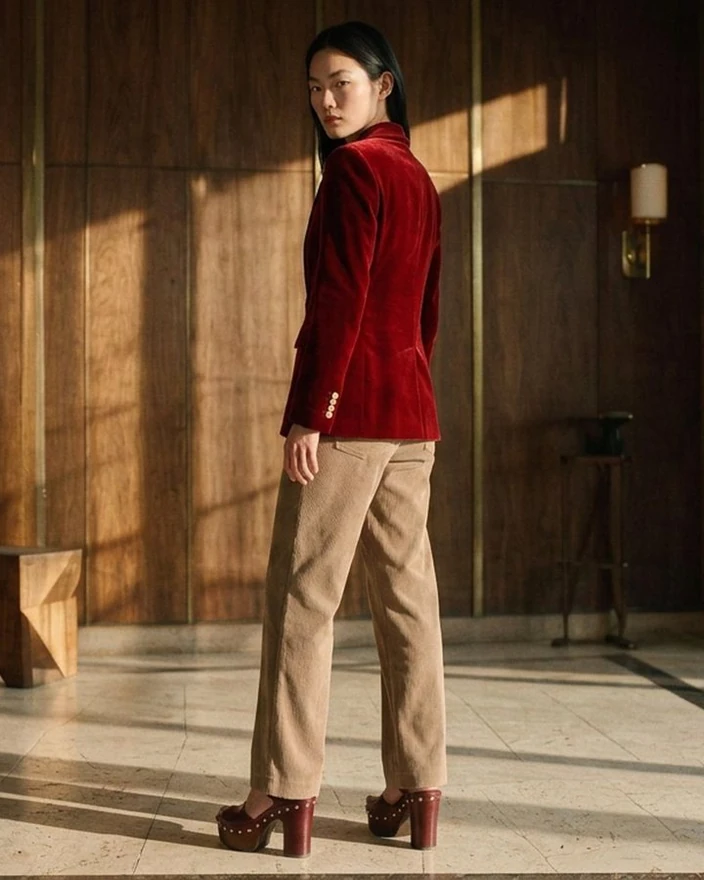
The still
The clip
One product story, expressed in images and video.
The website needs product content. Social needs something fresh. Your ads need another creative approach to test.
Instead of briefing each channel in isolation, start with the products and story they share.
Sociate helps you bring imagery and video into the same campaign, shaped by your brand guidelines and reviewed by your team.
Use a short product-led clip alongside the stills and information on your product page. Keep the item at the centre of the frame and choose the creative that adds useful context.
Build around a launch, styling direction or relevant trend. Show a connected selection from your range rather than treating each post as a fresh brief.
Explore motion alongside image-led creative. Agree what the video should communicate and evaluate the response in your own campaign, rather than assuming video will always outperform a still.
Your customer should recognise the same brand wherever they see the campaign.
Start with shared products, styling and visual direction, then agree the output required for each placement. The result is a coordinated set of creative, not a collection of unrelated clips. Your team stays in control of which assets are approved and where they are used.
Signal, match, make, syndicate. You decide at every step.
Social listening finds the trends.
Start from a trend worth bringing into motion.
Trends are matched to products in your catalogue.
Connect your catalogue through Shopify or upload it, alongside your guidelines. Choose the products and the intended video placements.
You create the images, flatlays and videos.
Agree the visual direction, then create the video alongside the stills.
Ready-to-share content goes out.
Check product details, movement and framing before approving the assets for use.
Plan stills alongside video, or see category-led examples.
Yes. Video is part of every Sociate campaign, alongside on-model imagery and flatlays.
No. Use it for product-led campaign creative. If your brief needs a recorded demonstration, a presenter or specialist production, plan that separately.
Yes. The assets you create are made for product pages, ads and social. Agree the placements and formats in the brief, then check the files before use.
No. Don’t treat AI-created movement as a physical demonstration of drape or fit. Use recorded footage where that evidence matters to your customer.
Bring a campaign brief and the products you want people to notice.