
Product detail pages
Add on-model or styled imagery where it helps explain the product. Keep the garment visible and review details against the source images before adding an asset to the page.

Sociate helps you create on-brand imagery from your fashion catalogue for product pages and website campaigns, with your team reviewing the work before it goes live.
Build around what is in stock and the story you want to tell, rather than waiting for the next shoot.
Your store: illustrative product page

Made from your catalogue. Directed by your brand. Reviewed by your team.
A product page has a practical job: show the item, explain the details and help the shopper decide.
Campaign imagery adds another layer. It can show how a piece is styled, introduce the collection it belongs to and give customers a reason to explore further.
Use Sociate alongside the clear product views, close-ups and information that make your product pages useful.
Add on-model or styled imagery where it helps explain the product. Keep the garment visible and review details against the source images before adding an asset to the page.



Give a selected range a shared visual direction. Build around a launch, an occasion or a relevant trend, with the featured products drawn from your catalogue.

Carry the collection story into the wider website. Brief where the image will sit, how the product should appear and where the surrounding copy needs room.
You do not need to refresh the whole website to explore a different creative approach.
Start with one collection or campaign and agree the placements it needs to support. Sociate connects your catalogue to the creative brief and helps you create the assets, ready for your team to review. Website approval stays with the people who know the range and the customer.

Seventies revival
Featured in Elle UK and 3 more
Mentioned by @lissyroddyy and 2 more
Picked date: 16/11/2026
Matched products from your catalogue: 2
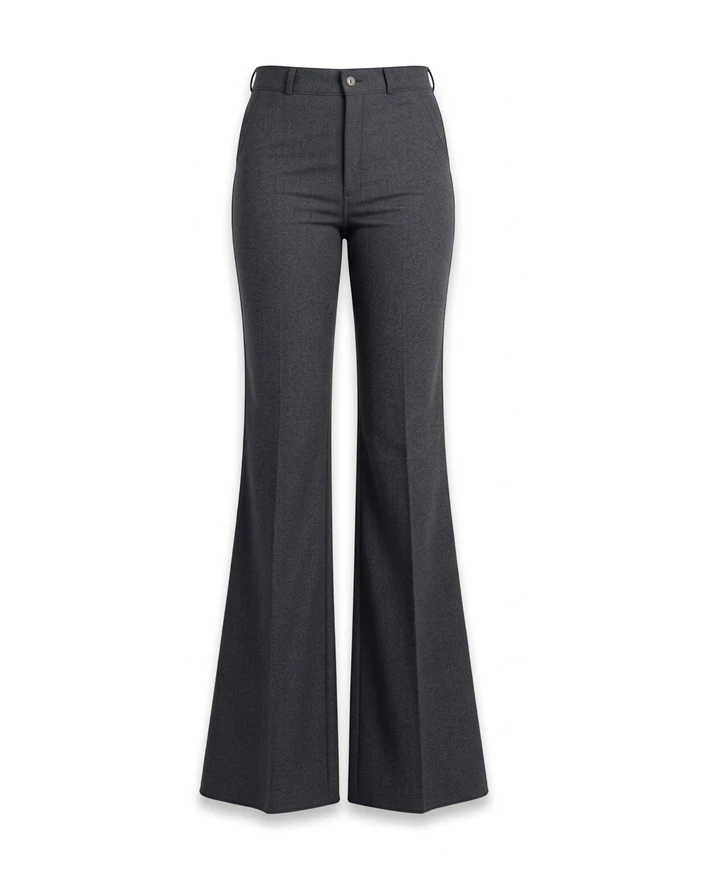
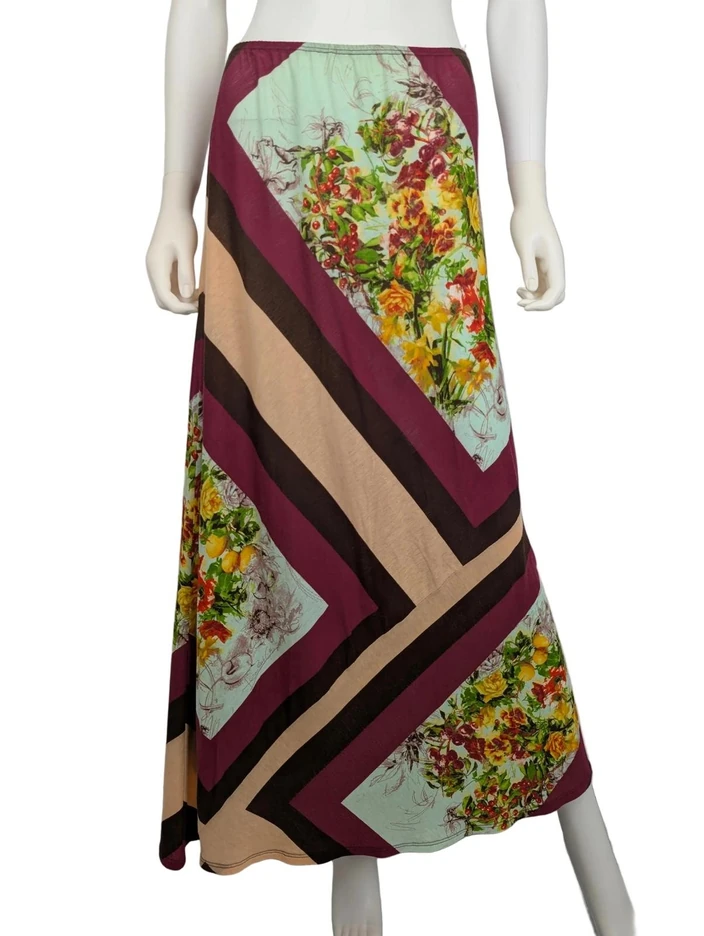
Signal, match, make, syndicate. You decide at every step.
Social listening finds the trends.
Start from a trend that suits your range, so the website story is one shoppers already care about.
Trends are matched to products in your catalogue.
Connect your catalogue through Shopify (or upload it), with your guidelines and merchandising priorities.
You create the images, flatlays and videos.
Brief each placement, then check product accuracy, crop and layout in context.
Ready-to-share content goes out.
Your team approves the assets before anything is published on your website.
Explore photography for the products in your range, or add motion alongside the stills.
Yes. The campaign assets you create can be used on product pages as well as other channels. Choose the imagery that supports the product information and check it before publishing.
Yes. Keep any views that show construction, material and other purchase-critical details, and add campaign imagery where it helps tell the product’s story.
No. You can connect your catalogue through Shopify or upload it. Choose the route that suits you during onboarding.
Your team. You sign off the work before publication, and agree the handover and publishing process for your website during the review.
Bring the products and the placements you have in mind. We’ll walk you through how Sociate helps your team build the campaign.